
DaaCini
Professional technical diagrams from plain text. Describe an architecture, a network, a data flow, or a security posture in a small, readable language — DaaCini computes the layout and returns clean, presentation-grade SVG. Deterministically, every time, from text you can keep in Git.
It is a precise, procedural engine, not a canvas — no dragging, no snapping, no nudging boxes two pixels. You edit the meaning; the layout is computed by a real graph-layout engine. Built and published by IjyaLabs, Nagpur. Free for personal and private use.
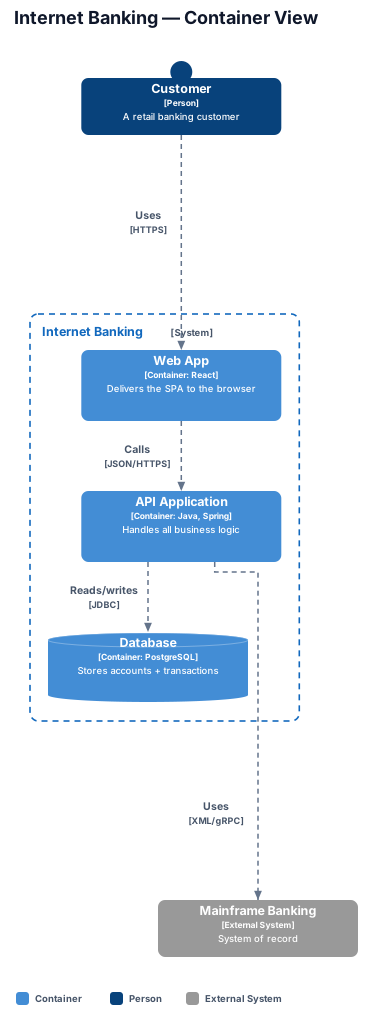
Written as text. Rendered like this.
Everything below was produced from a few readable lines — no mouse, no manual placement. Change the text, and the diagram changes with it.
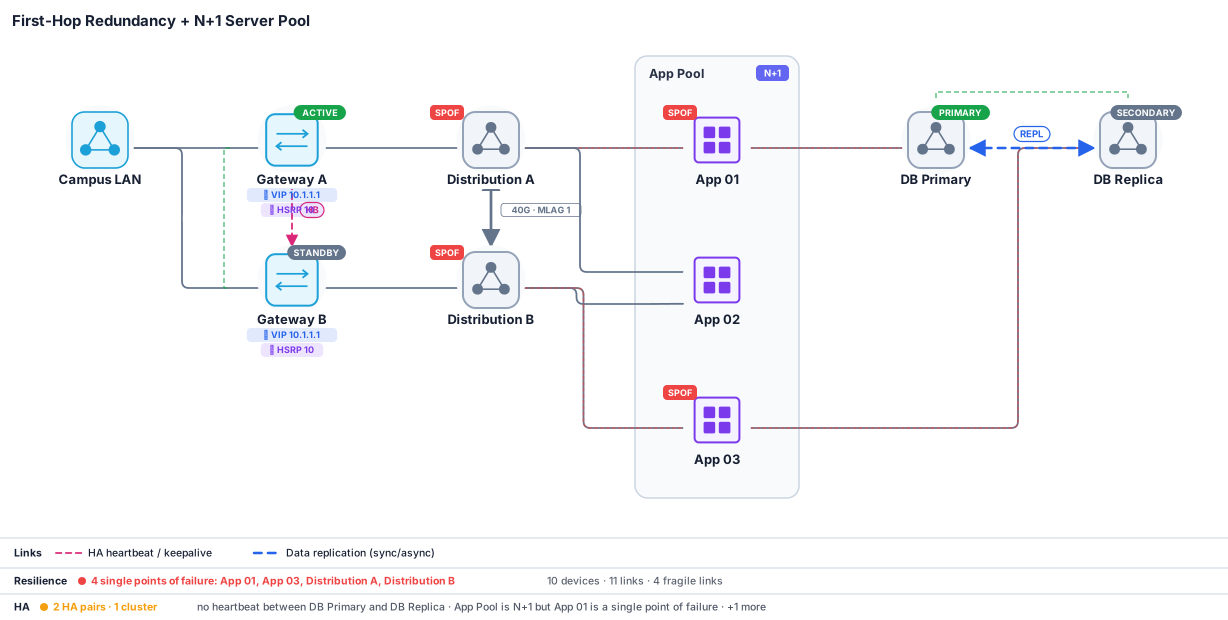
That last part is the point. DaaCini doesn't just draw the network — it understands it. The red SPOF tags and the audit band at the bottom were computed from the topology, not typed in.
Why it's engineering, not a drawing tool
- Deterministic layout. The same source always renders the same diagram — down to the pixel. There is no hand-placement to drift, no two teammates producing two different pictures. Diagrams live as text in your repository and review like code, in a pull request.
- Operational intelligence, not just shapes. The network engine reasons about the topology: it finds single points of failure (graph articulation points), models high-availability pairs (active/standby, FHRP/HSRP/VRRP groups, N+1 pools), checks capacity and oversubscription, traces a path, and simulates a device failure to show the blast radius. Analysis, on a diagram.
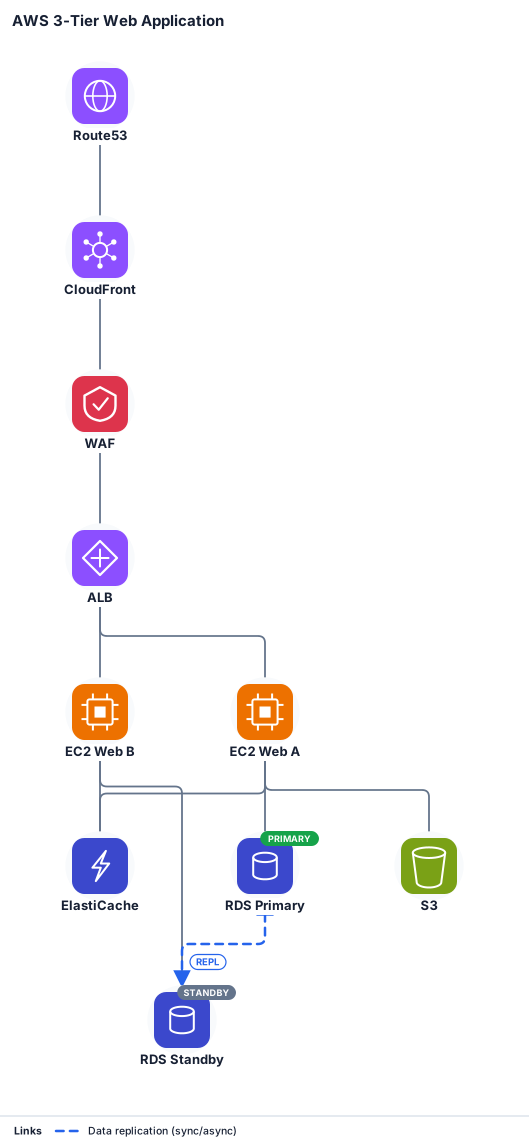
- A procedural icon library, not clip-art. 350+ vendor and cloud marks — AWS, Azure, Google Cloud, Cisco, VMware, Kubernetes and more — are generated from brand colour and a category glyph. No copied logos; nested cloud taxonomies (VPC → AZ → subnet, tenant → VRF → EPG) that draw themselves.
- Bring what you already have. Paste a diagram written in Mermaid, Graphviz DOT, PlantUML, or D2, and DaaCini transpiles it into its own grammar — a one-way on-ramp from the tools you already use.
The full set — 28 diagram kinds
One engine, one small language, twenty-eight kinds:
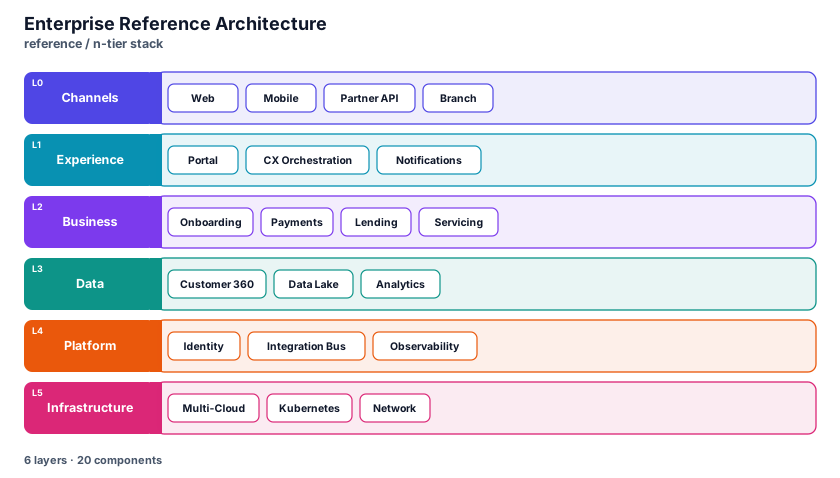
- Architecture & cloud — network (with the icon library + operational intelligence), architecture (eleven EA views), C4.
- Software design — flowchart, sequence, state, class, ER, git graph, wireframe, decision.
- Data & analytics — pie, quadrant, XY chart, sankey, heatmap, treemap, bubble, radar, Venn.
- Planning & narrative — timeline / roadmap, gantt, user journey, mind map, org chart.
- Security & GRC — one
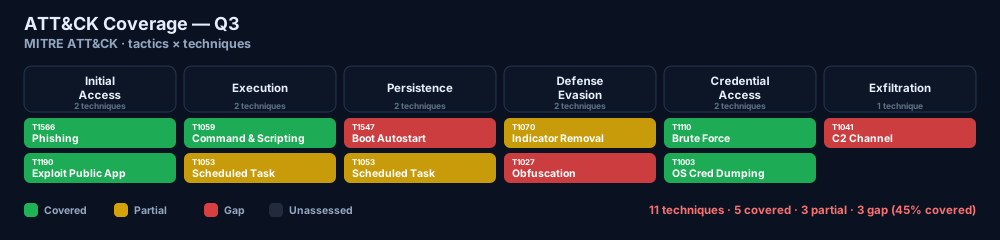
securitykind, thirteen views: risk register, STRIDE data-flow, attack tree, kill chain, MITRE ATT&CK, Zero Trust, compliance coverage, and more.
Every kind has a live example, its editor controls, and a catalog of ready-made templates in the documentation hub — so you start from a strong first draft, not a blank file.
Under the hood
DaaCini is a from-scratch engine: a shared diagram language and detector, a real constraint-based graph-layout core (ELK), and a hand-built renderer per kind that emits deterministic, accessible, theme-aware SVG. Eight themes, guided authoring with a live "syntax engineer" that flags orphaned nodes and unlabelled boxes as you type, full-text import transpilers, and an HTTP API — all behind one studio.
And it is built to protect the work: on the hosted service the engine runs only on IjyaLabs servers. Your diagram source goes up, an SVG comes back — the engine itself never ships to the browser.
Where it fits
DaaCini meets you where you already work. Every client renders through the service — nothing to configure, and the engine stays on IjyaLabs servers.
- Studio — the full editor at daacini.ijyalabs.in: live preview, guided authoring, one-click import.
- VS Code — live
.daacinipreview + SVG export, right in your editor. Get the extension ↗ - Obsidian — preview
.daacini/```daaciniblocks inside your notes. - CLI — script it or wire it into CI:
npm install -g @ijyalabs/daacini
daacini render diagram.daacini            # → diagram.svg
daacini convert legacy.mmd --render       # Mermaid / DOT / PlantUML / D2 → SVG
- HTTP API —
POST /render, source in → SVG out, for any docs-as-code pipeline.